Nutrition labels
Capture packaged-food information without transcribing the panel.
NutriLab makes food tracking faster without asking you to accept a mystery number.
Try the iOS AlphaChoose a step to see it in the app.
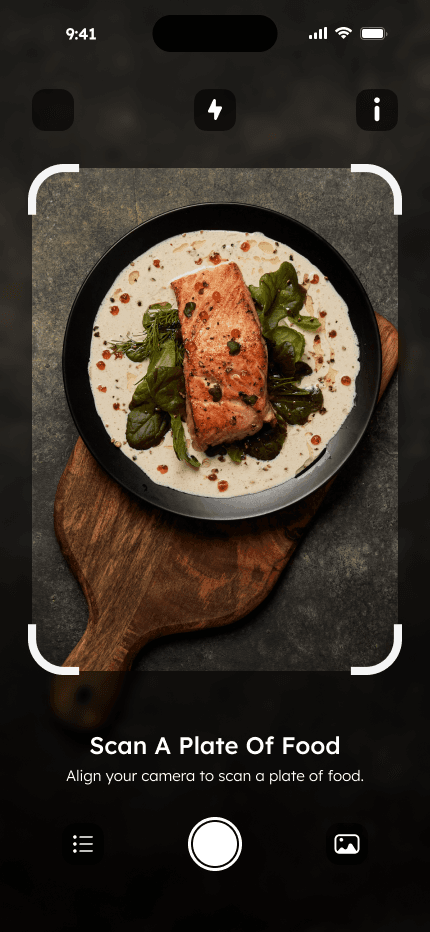
Take a photo of the meal you would otherwise have to log ingredient by ingredient.
Home cooking, restaurant dishes, and mixed meals rarely arrive with a barcode. A photo gives NutriLab a practical starting point.
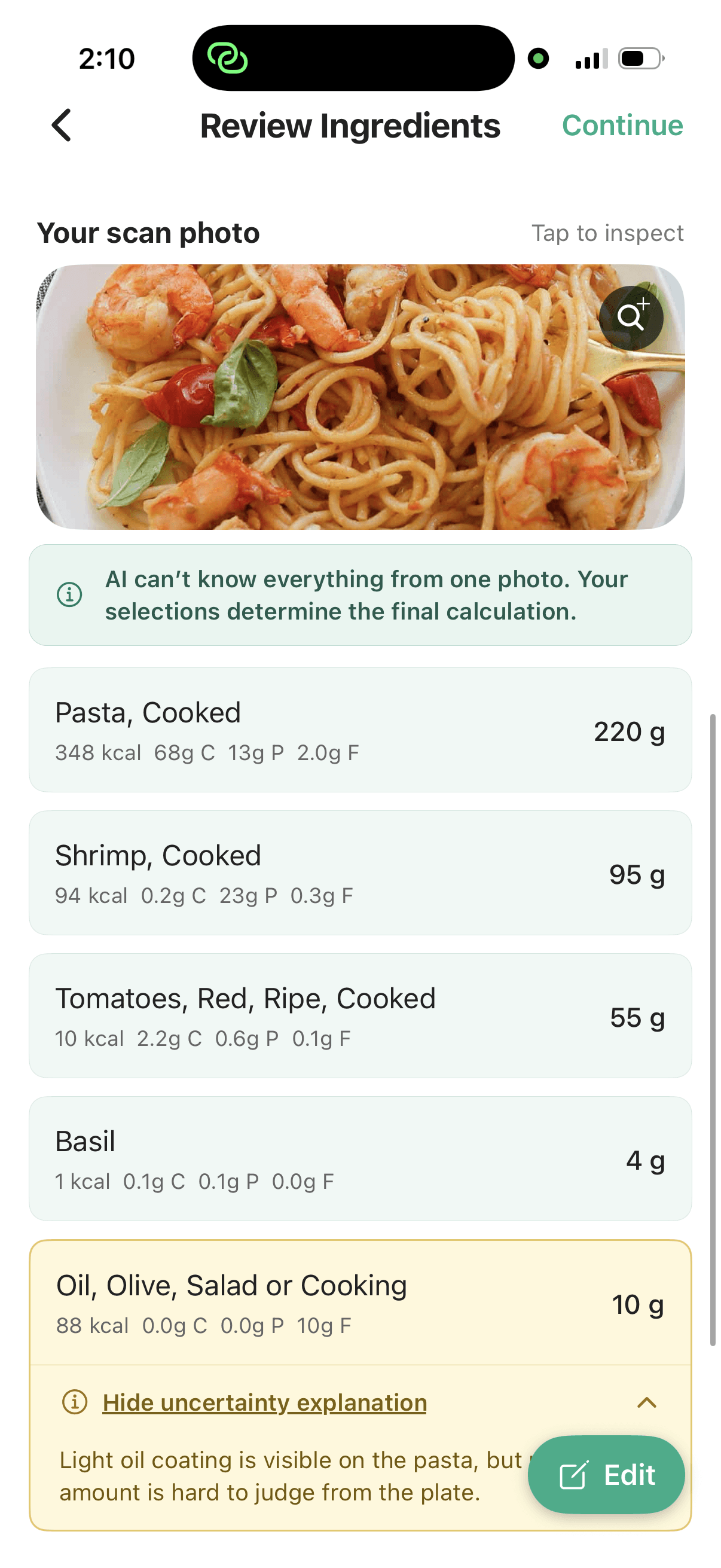
Detected ingredients stay editable. Amber states explain why a food or portion needs your attention before the calculation continues.
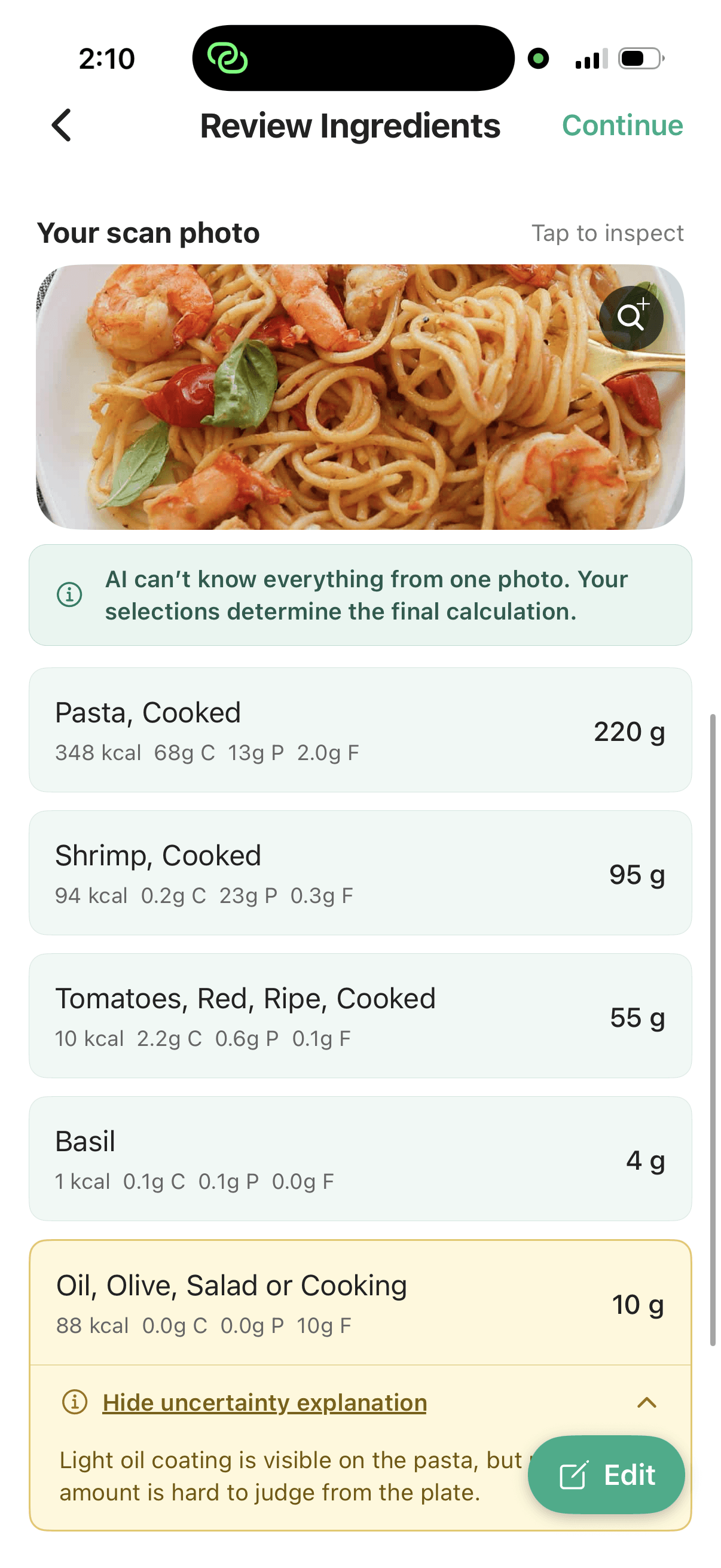
The final summary is connected to an ingredient list you can revisit—not presented as an unquestionable prediction.
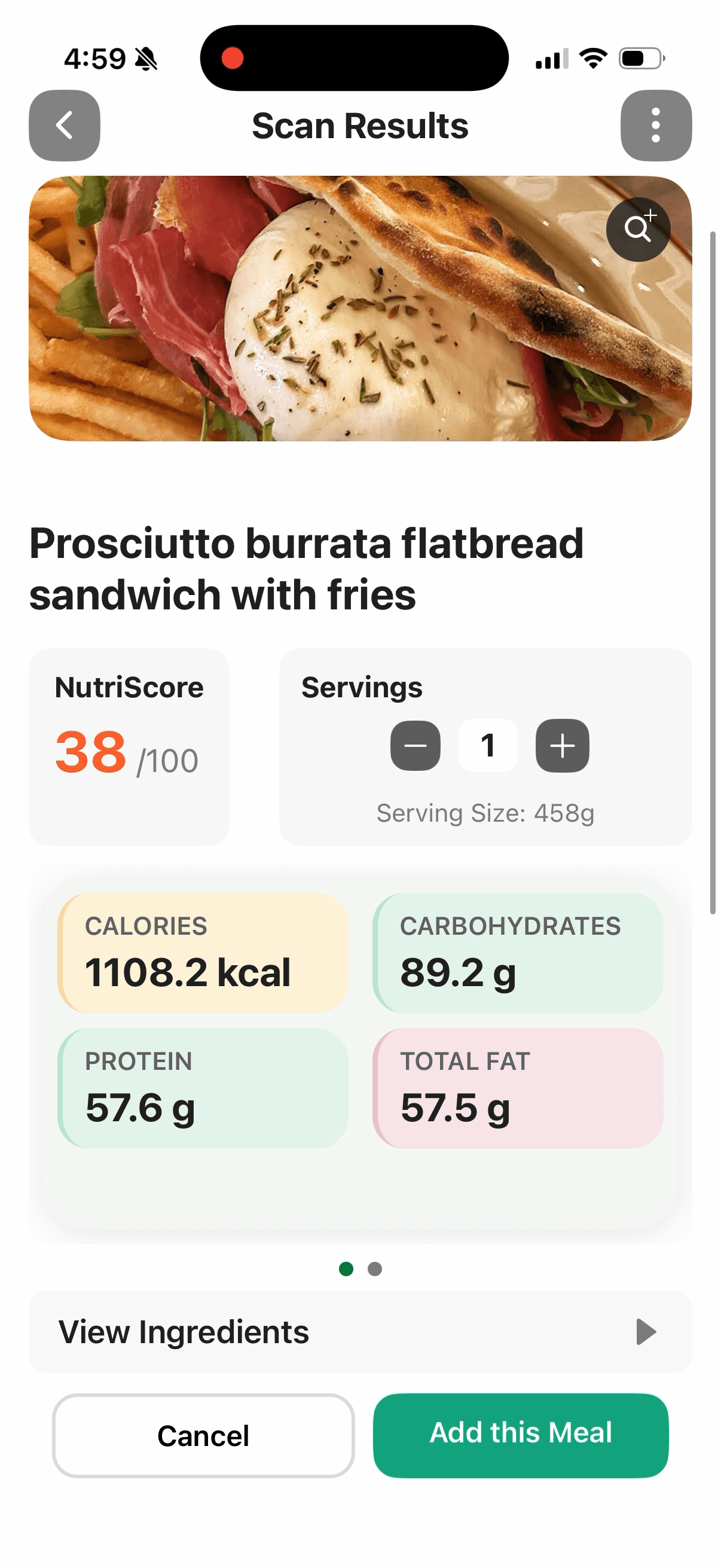
Capture packaged-food information without transcribing the panel.
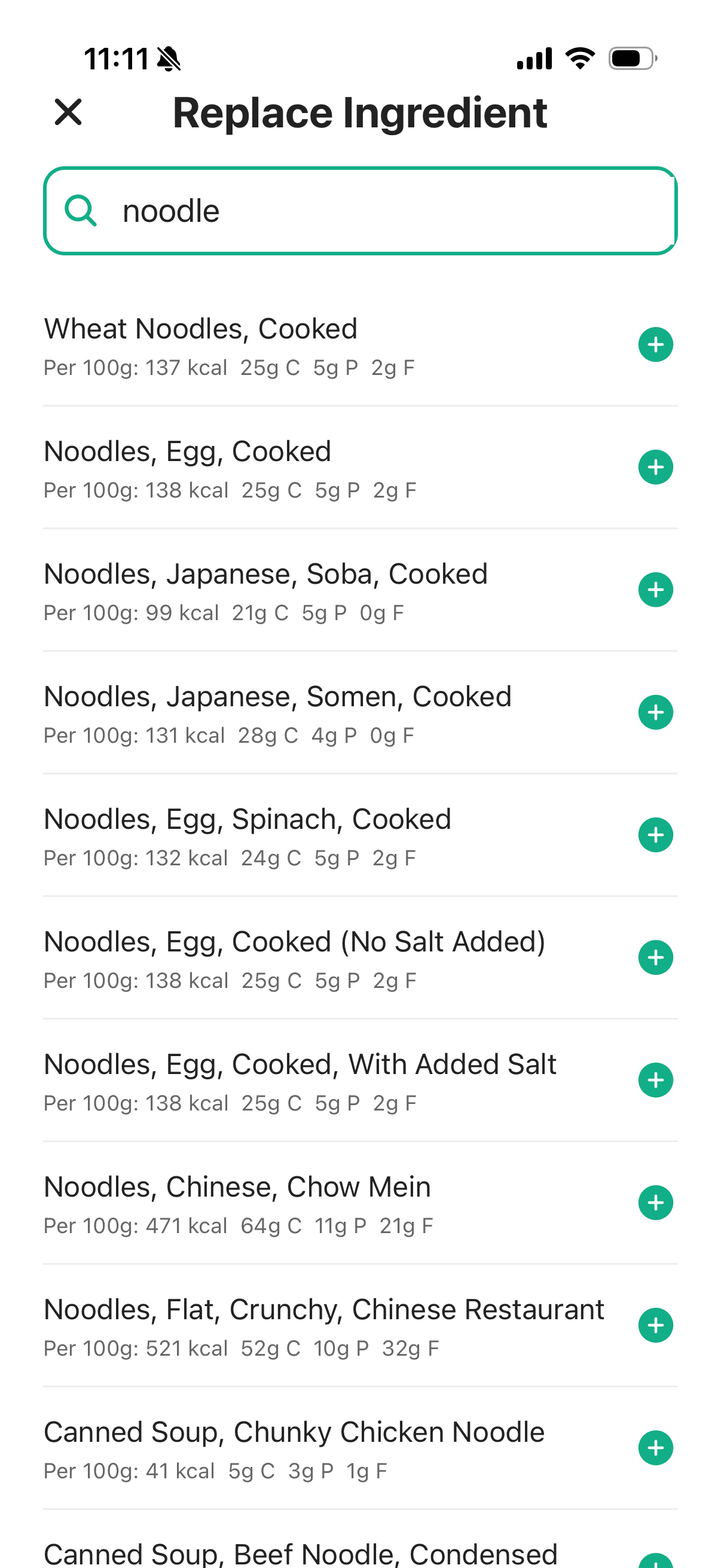
Search and add food directly when a photo is not useful.
Return to past meals and build a clearer view of your intake.
Ask a follow-up question when a result needs more explanation.
What the alpha can do—and where your judgement still matters.
A photo can support a useful estimate, but it cannot reveal every ingredient, brand, or portion perfectly. NutriLab shows the detected ingredients and calls out uncertainty so you can review the assumptions before accepting the result.